Roughcut — the video editing studio Framer template
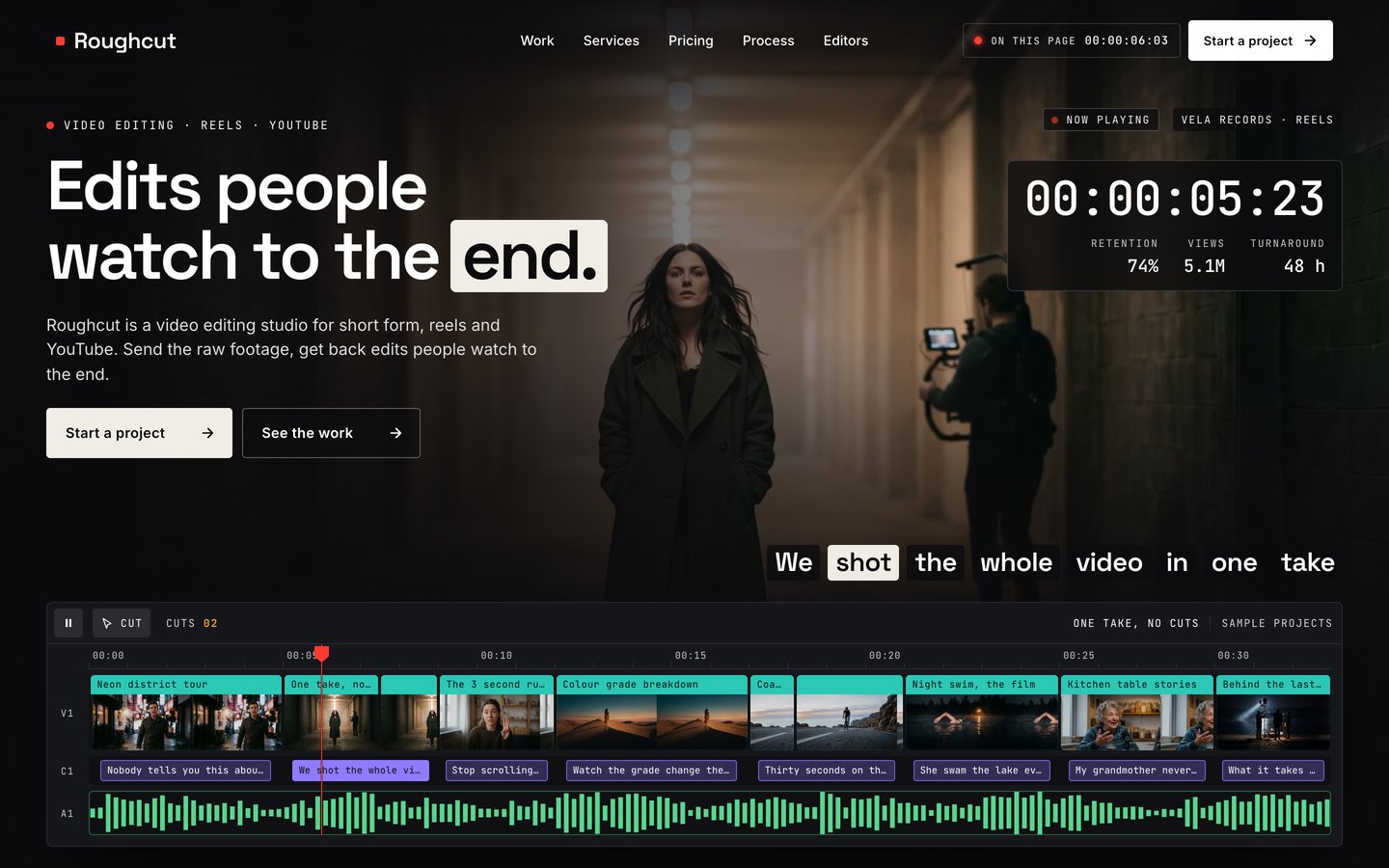
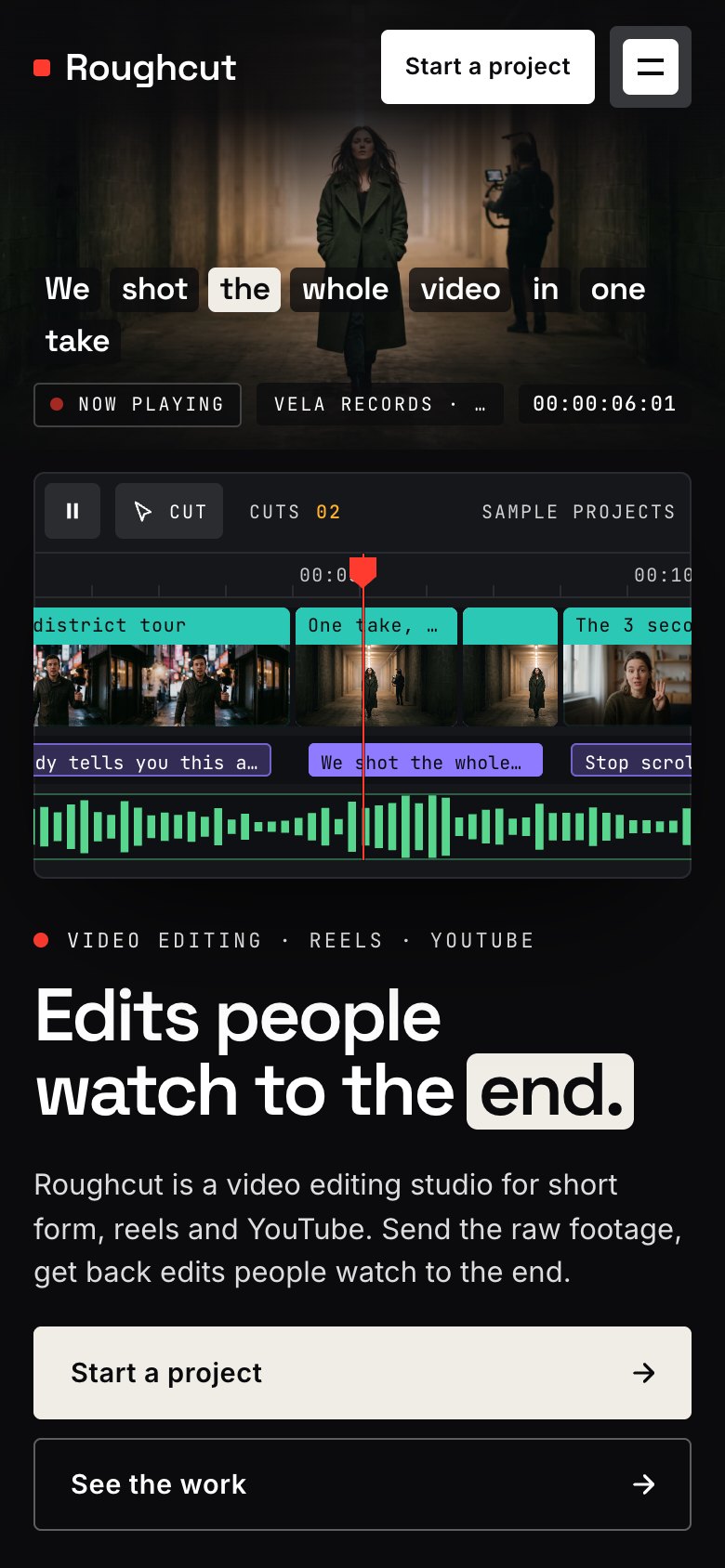
The video editing studio template where the visitor scrubs a real timeline. A timecode loader, then a playhead running across your projects: drag it and the frame, the timecode and the caption follow, hover a clip to preview it, click to cut — then a before and after you wipe by hand, a bin of clips that play, six services as tracks, a retention curve that draws as you scroll, the process from raw footage to upload, editors, plans with a videos per month slider, client quotes as captions and a four step project brief that arrives filled in. 41 pages, 8 CMS collections.
What Roughcut is
A website for a video editing studio that sells retention. It opens on a real timeline: a playhead runs across your projects, drag it and the frame, the timecode and the caption follow, click to cut. Below, a before and after you wipe by hand and a retention curve that draws as you scroll.
What's inside Roughcut
Signature moments
- A timeline you can scrub
Drag the playhead and the frame, the timecode and the caption follow; hover a clip to preview it, click to cut.
- Before and after, by hand
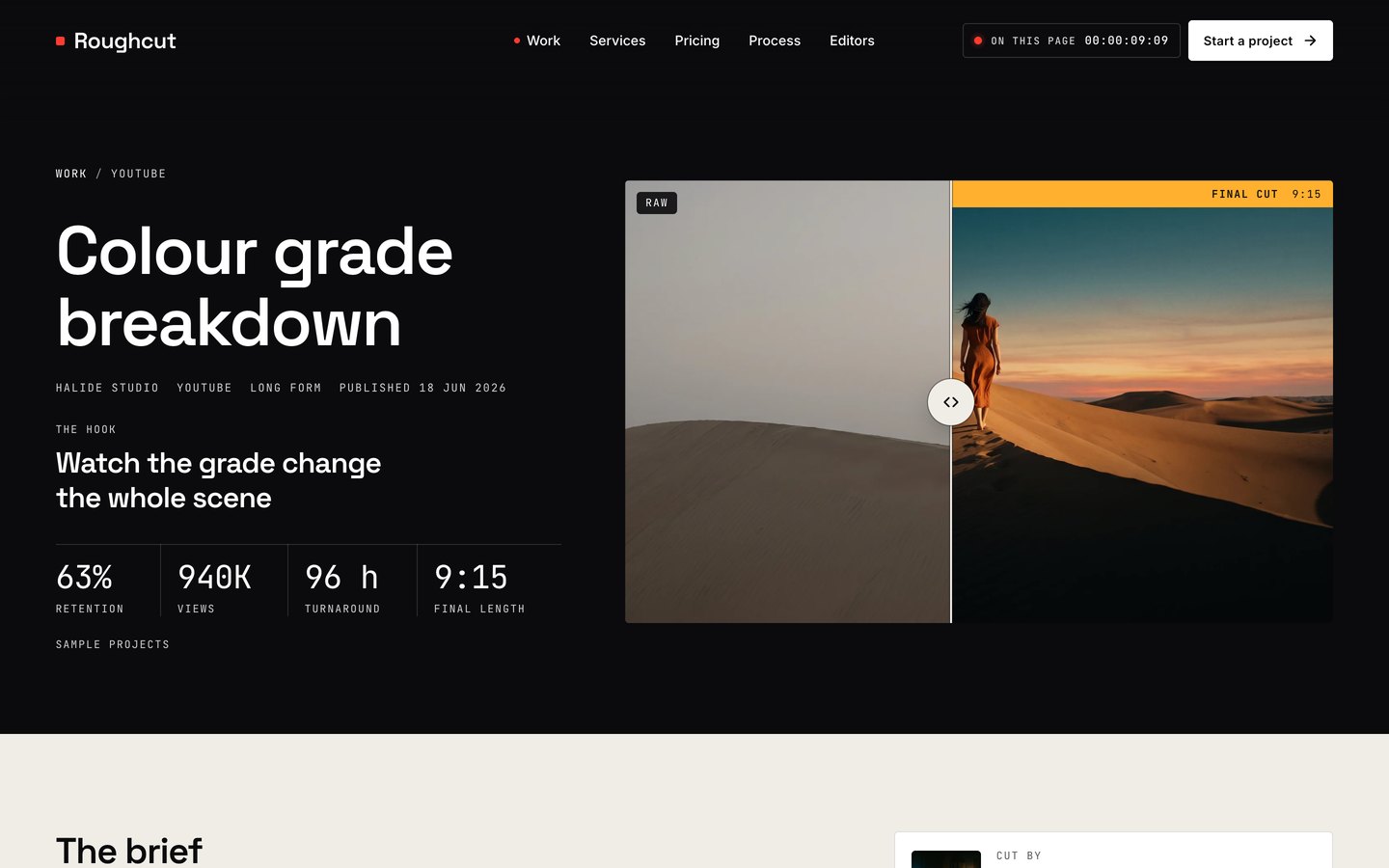
One frame and a handle: wipe from the raw footage to the finished cut.
- The bin
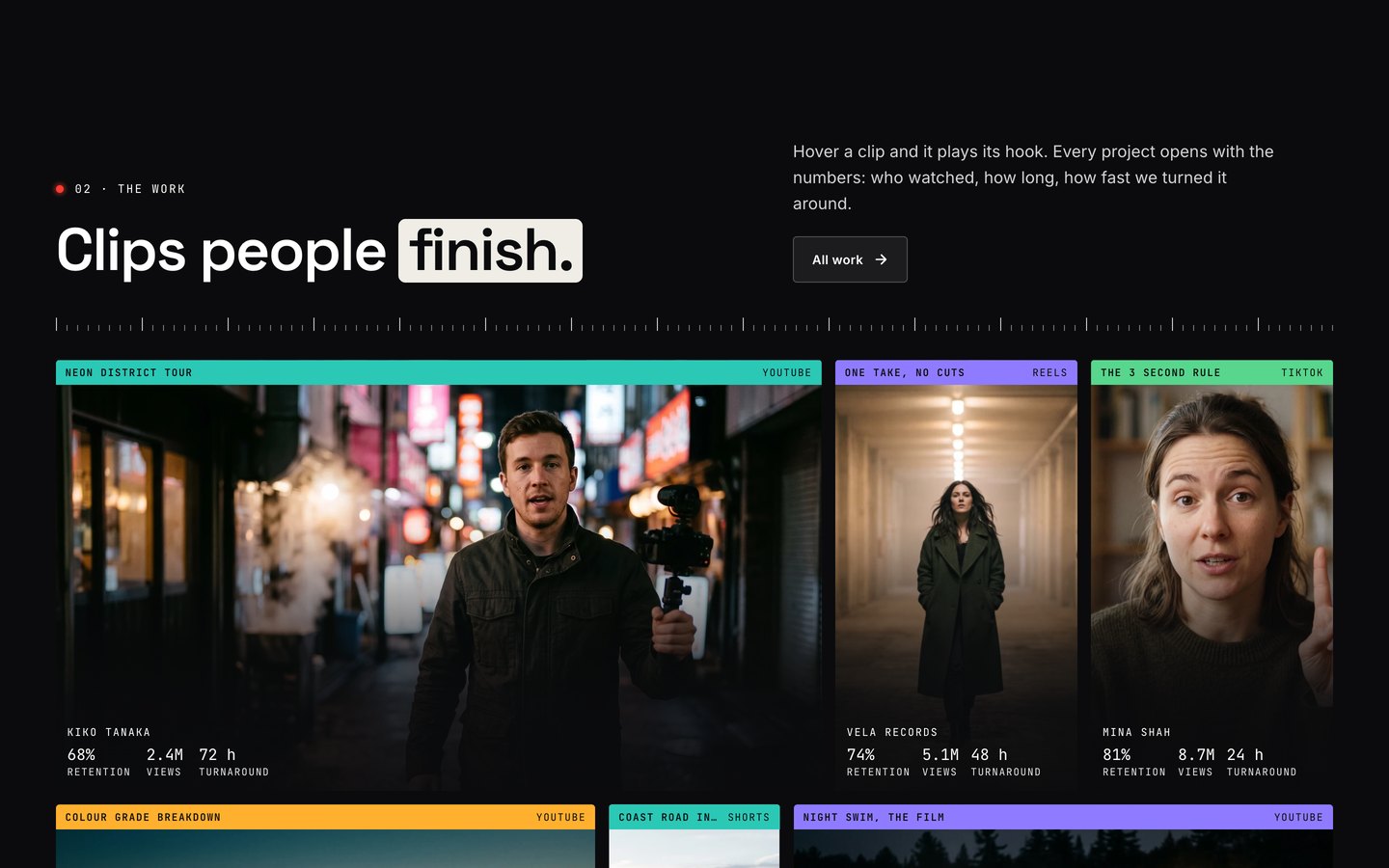
A wall of clips from your Work collection that play their caption and numbers when you point at them.
- A retention curve that draws
Raw upload against your cut, with the hook, the pattern break and the payoff marked.
Built to book
- A brief that arrives filled in
Pick a plan or a service and the four step project brief opens with it chosen. It asks for a footage link, never an upload.
- A case page for every project
Hook, retention, views, turnaround, what was changed, and the real before and after when you add two pictures.
- Plans with a videos per month slider
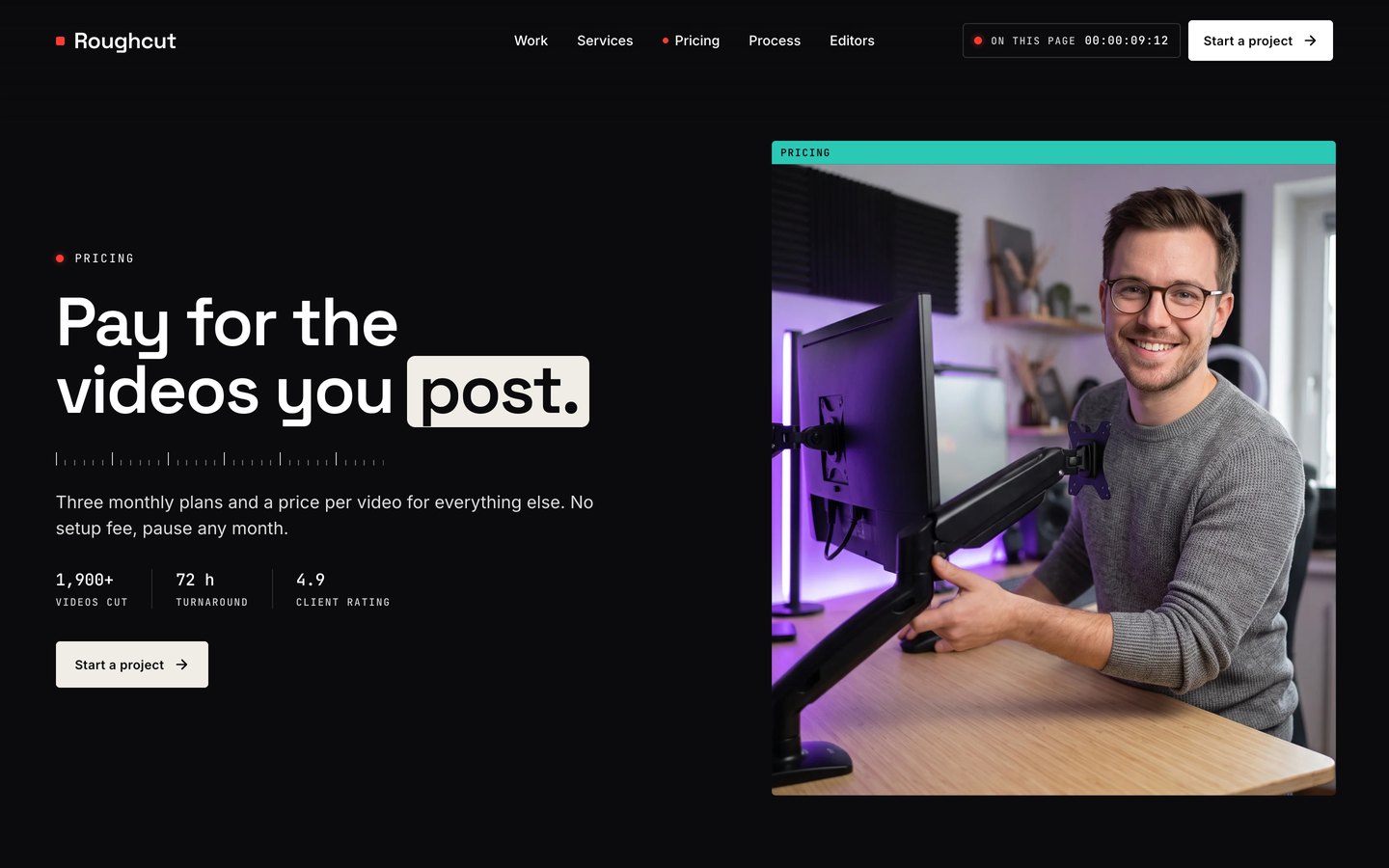
Three plans, and a slider that shows which one fits the pace and what a video costs on it.
- Forms that say the truth
Each form posts to your endpoint, opens your own form link or falls back to email. No fake success.
Made to edit
- Eight CMS collections
Work, Services, Plans, Editors, Reviews, Posts, FAQ and one Site row. Add a project and it joins the timeline, the bin and gets its own page.
- Colour styles and one font switch
Eight colour styles repaint every page; one switch on the header changes the fonts site-wide.
- A start-here guide inside
Every edit explained in the project itself, from the Site row to the forms.
- Loader and page transitions
A timecode loader on the first visit and a clip wipe between pages, both switchable.
Every page, ready to go
17 page types come with the remix, each with its own desktop, tablet and phone layout.
Who Roughcut is built for
A video editing studio website template built for video editors and editing agencies, short form, reels and tiktok studios, youtube channel editors, podcast clipping studios and any business that sells the way they do.
From remix to live
Pick a licence, pay once, and the remix link lands in your inbox.
Open the Start Here page inside the project: it lists every edit — words, colours, fonts, images, CMS rows — no code.
Add your domain in Site Settings and hit Publish. Email support from the person who built it if you get stuck.
Always included
- A Start Here page inside the project — every edit this template needs, listed
- Edit without code — colours, fonts, text and images from the properties panel and the CMS
- Free lifetime updates
- Email support: solofoundryhq@gmail.com
Pick a licence
Want it set up for you? We fit Roughcut to your brand, colours, words and photos and hand you the finished site. From $79, template included.
See setup packages →Questions, answered
Do I need to know how to code to use Roughcut?
No. Roughcut is a Framer template: every word, colour, font and image is edited on the Framer canvas or in the properties panel and the CMS. A Start Here page inside the project lists every edit a video editing studio site needs.
Do I need a paid Framer plan?
Not to remix and edit — a free Framer account is enough. To publish on your own domain you'll need a Framer site plan, paid to Framer, not to us.
What do I get after paying?
The remix link by email, instantly. One click copies the whole Roughcut project — 17 page types, every section and CMS collection you see on the live preview — into your Framer account. Pro and All-Access orders also receive the SoloFoundry bonus kit.
Can I use Roughcut for client work?
Standard covers one website. Pro and All-Access cover unlimited websites, including client projects. Reselling the template itself isn't allowed.
Is Roughcut responsive?
Yes. Roughcut ships with its own desktop, tablet and phone layouts, a real mobile menu, and it is checked down to 320 px wide before it is listed.
Can I get a refund?
All sales are final, because the full project is delivered the moment you pay. Explore the live preview first, and email solofoundryhq@gmail.com with any question before you buy.