Quiver — the AI agency & automation studio Framer template
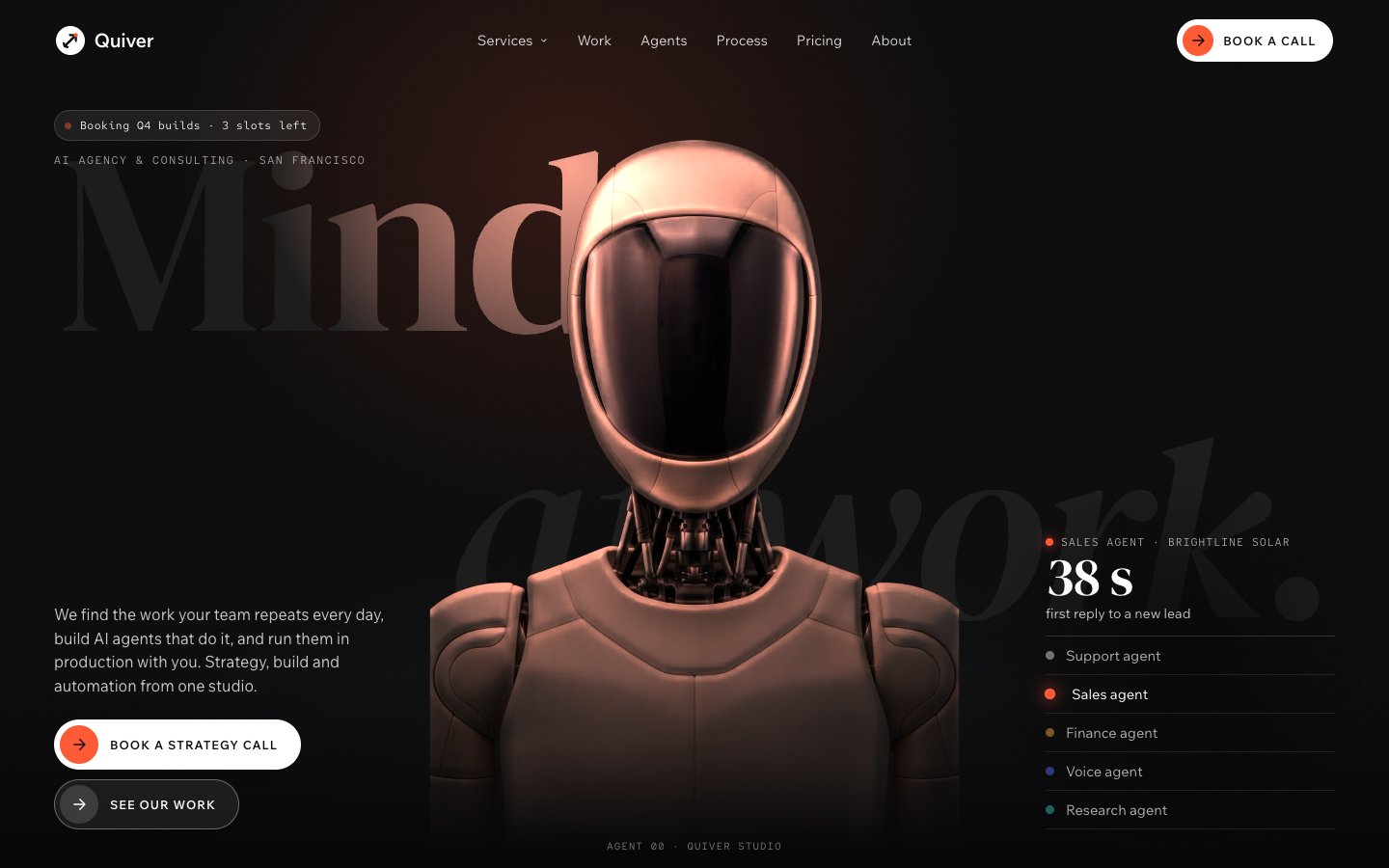
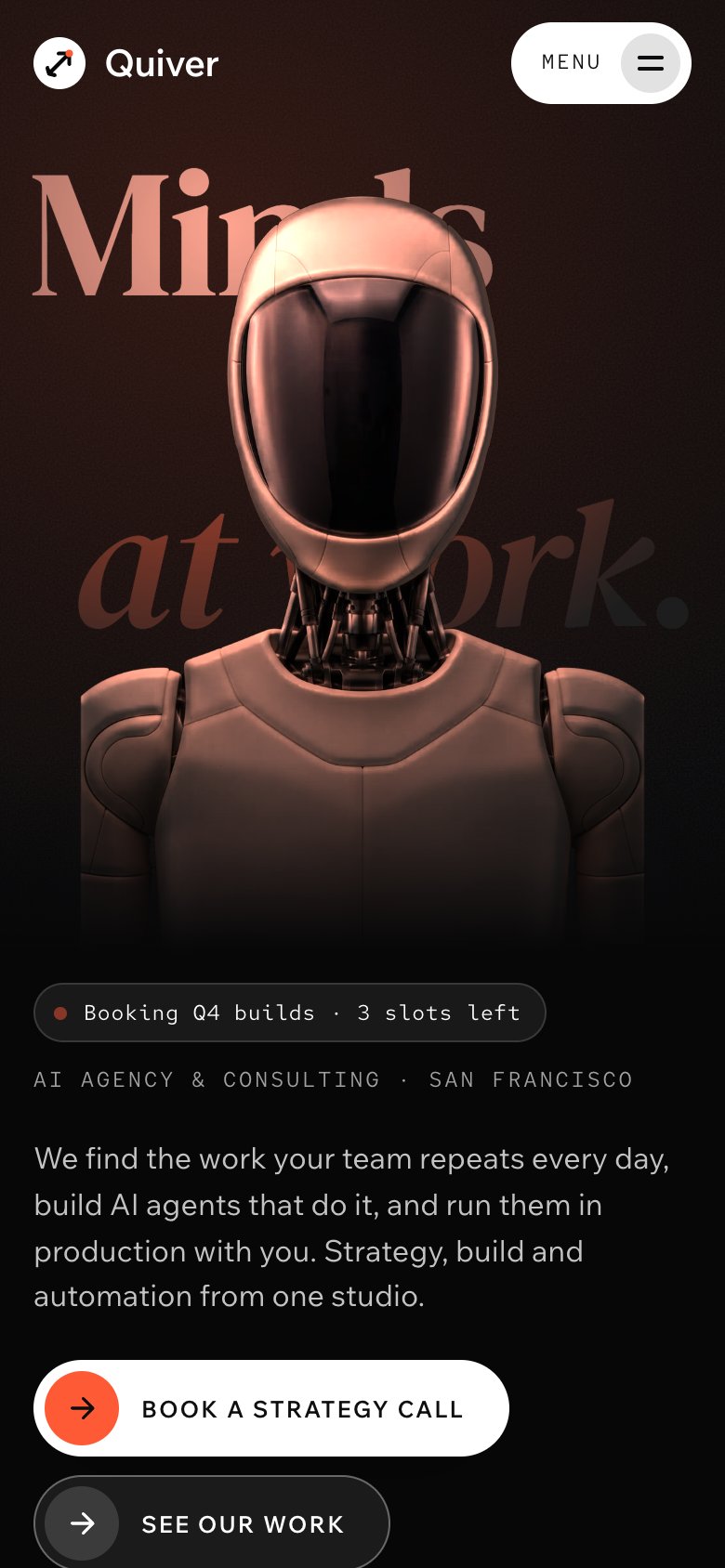
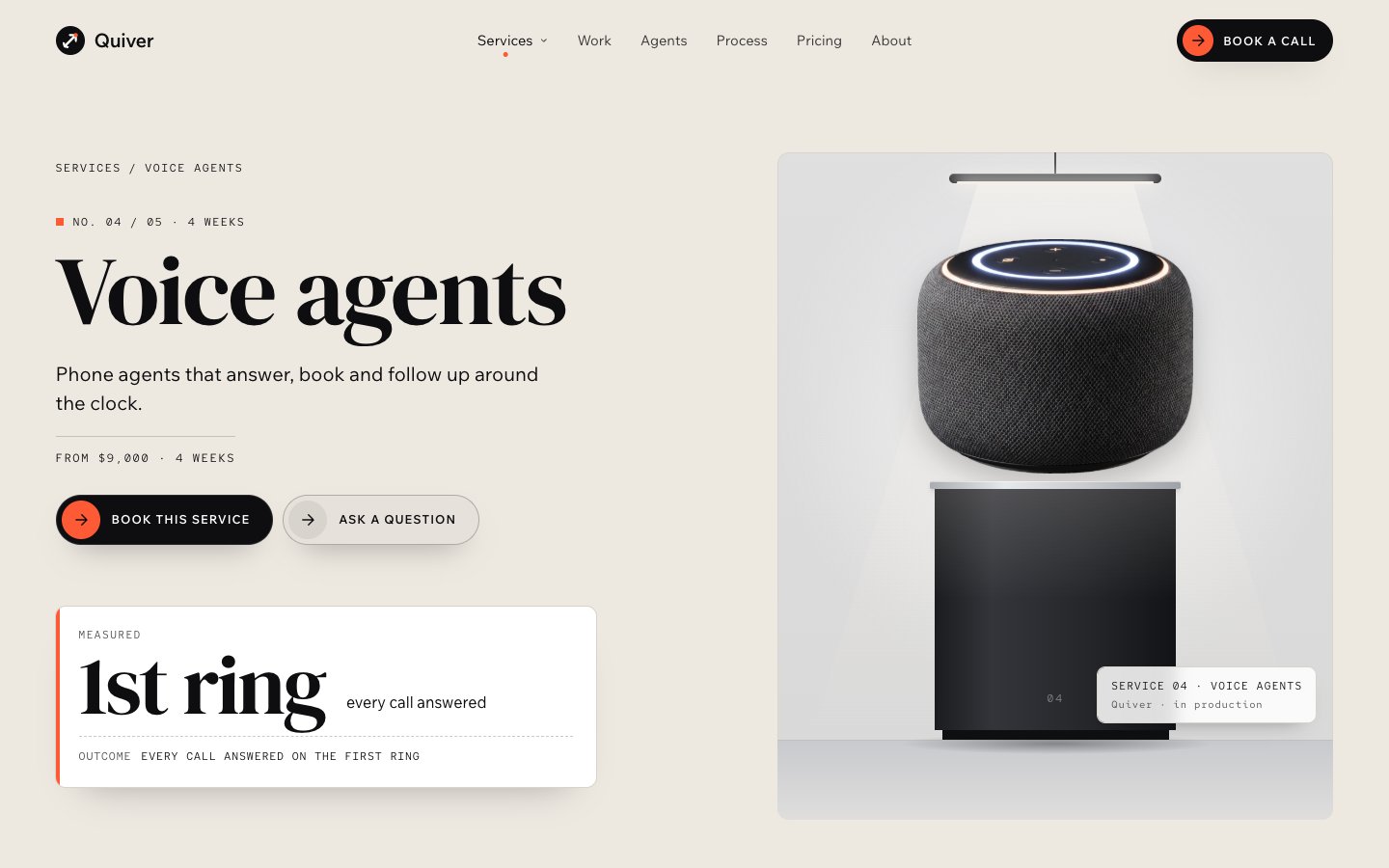
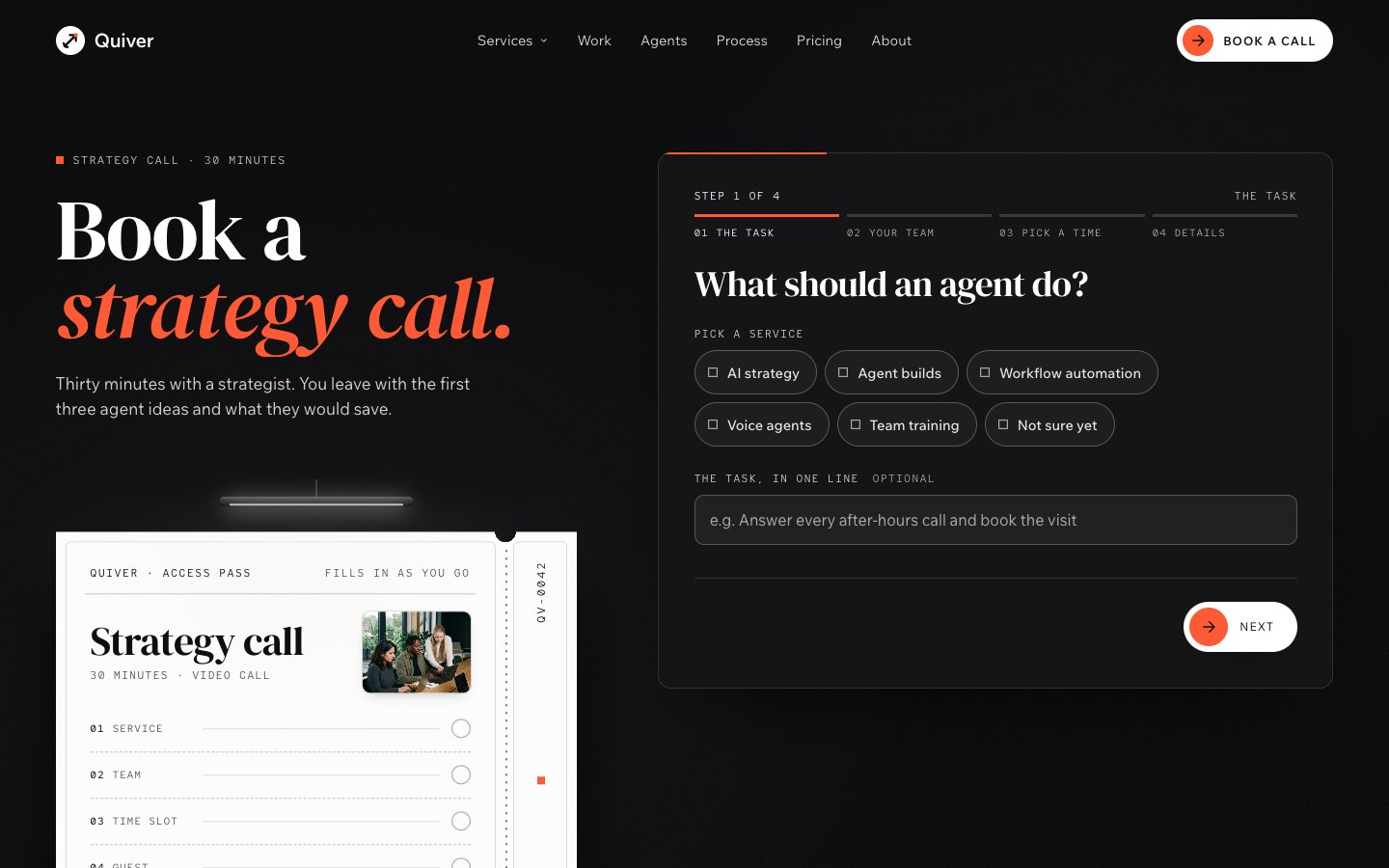
The AI agency, consulting and automation template with a robot you light. A booting-agents loader, then a humanoid robot in front of a giant serif headline, relit in real time by the cursor: each agent has its own light colour, point at one and the light and the result card change to it — then services on lit plinths, a floor plan you walk through for the process, an agents hall, a case book that turns its pages, numbers on a vermilion band, signed client notes, pricing as access passes and a four-step booking form that fills an access pass. 32 pages, 10 CMS collections.
What Quiver is
A website for an AI agency, automation studio or AI consultant. A humanoid robot stands in front of a giant serif headline and is relit in real time by the cursor; each agent has its own light colour and its own measured result.
What's inside Quiver
Signature moments
- A robot hero you light
The cursor is a light that relights the robot in real time (WebGL); swap in your own PNG and it relights too.
- Five agents, five lights
Point at an agent and the light turns its colour while the card shows that agent’s measured result.
- A floor plan for the process
Scroll walks a vermilion dot through four rooms: audit, design, build, run.
- A case book that turns
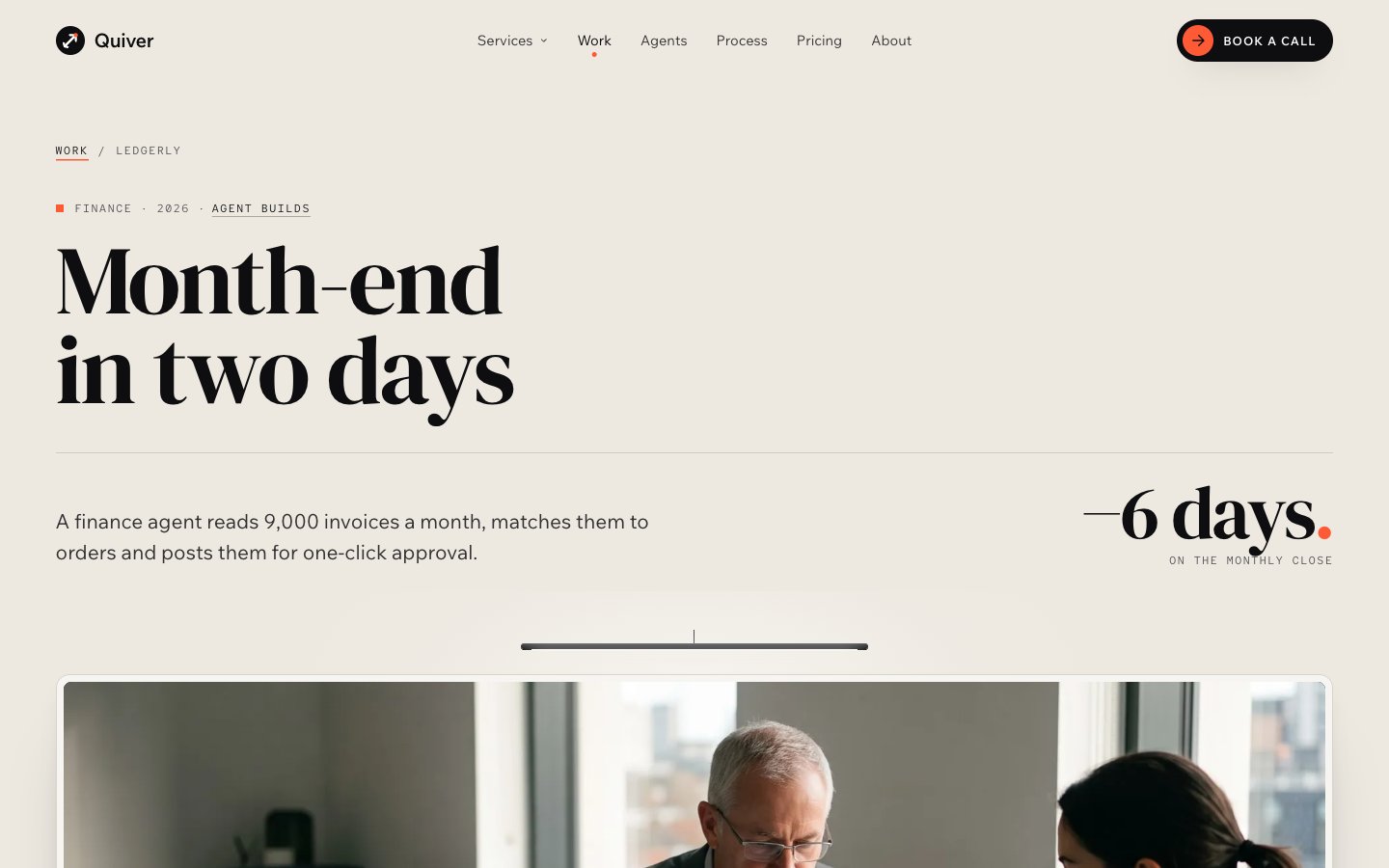
Case studies open in a book whose pages turn, each with the number it moved.
Built to book the call
- A booking form in four steps
Task, team, time and details fill an access pass and estimate what the agent would save a year.
- Pricing as access passes
Audit, agent build and monthly partner on passes, plus fixed service prices.
- Case studies with filters
Filter by industry and by service; every case leads with its result.
- Signed client notes
Reviews in a client book, each signed by hand with its measured result.
Made to edit
- Agents, services and work in the CMS
Each agent gets a page with how it works, its guardrails, its tools and its result.
- Eight colour styles
Change the vermilion in one place and the whole site follows.
- Loader and page transition
Your agents boot up on the first visit; a hand-off panel carries you between pages.
- An owner guide inside
A /start-here page walks through the Site row, colours, fonts, the hero, the agents and the forms.
Every page, ready to go
16 page types come with the remix, each with its own desktop, tablet and phone layout.
Who Quiver is built for
A AI agency & automation studio website template built for AI agencies, AI automation agencies, AI consultants, AI startups and any business that sells the way they do.
From remix to live
Pick a licence, pay once, and the remix link lands in your inbox.
Open the Start Here page inside the project: it lists every edit — words, colours, fonts, images, CMS rows — no code.
Add your domain in Site Settings and hit Publish. Email support from the person who built it if you get stuck.
Always included
- A Start Here page inside the project — every edit this template needs, listed
- Edit without code — colours, fonts, text and images from the properties panel and the CMS
- Free lifetime updates
- Email support: solofoundryhq@gmail.com
Pick a licence
Want it set up for you? We fit Quiver to your brand, colours, words and photos and hand you the finished site. From $79, template included.
See setup packages →Questions, answered
Do I need to know how to code to use Quiver?
No. Quiver is a Framer template: every word, colour, font and image is edited on the Framer canvas or in the properties panel and the CMS. A Start Here page inside the project lists every edit a AI agency & automation studio site needs.
Do I need a paid Framer plan?
Not to remix and edit — a free Framer account is enough. To publish on your own domain you'll need a Framer site plan, paid to Framer, not to us.
What do I get after paying?
The remix link by email, instantly. One click copies the whole Quiver project — 16 page types, every section and CMS collection you see on the live preview — into your Framer account. Pro and All-Access orders also receive the SoloFoundry bonus kit.
Can I use Quiver for client work?
Standard covers one website. Pro and All-Access cover unlimited websites, including client projects. Reselling the template itself isn't allowed.
Is Quiver responsive?
Yes. Quiver ships with its own desktop, tablet and phone layouts, a real mobile menu, and it is checked down to 320 px wide before it is listed.
Can I get a refund?
All sales are final, because the full project is delivered the moment you pay. Explore the live preview first, and email solofoundryhq@gmail.com with any question before you buy.