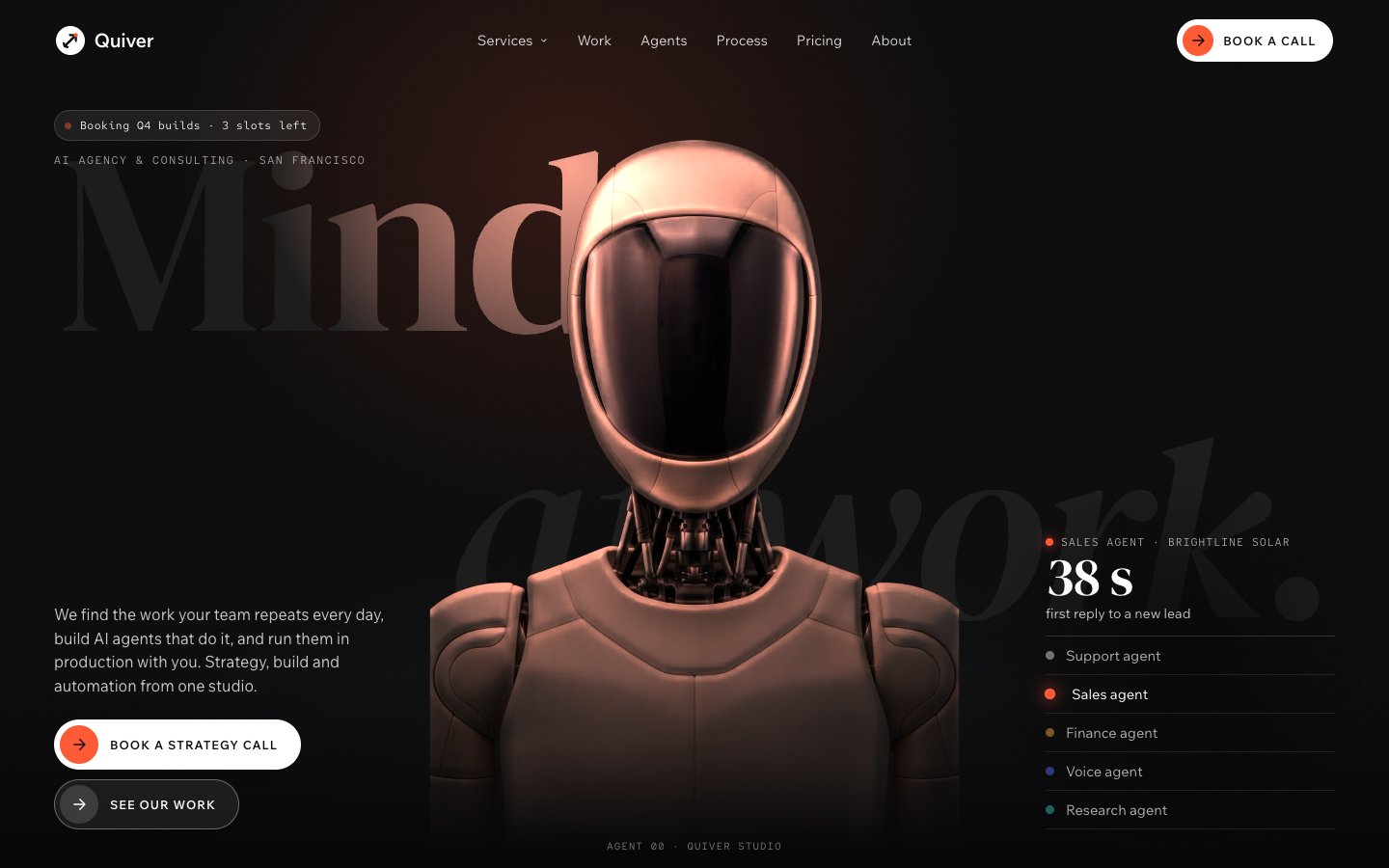
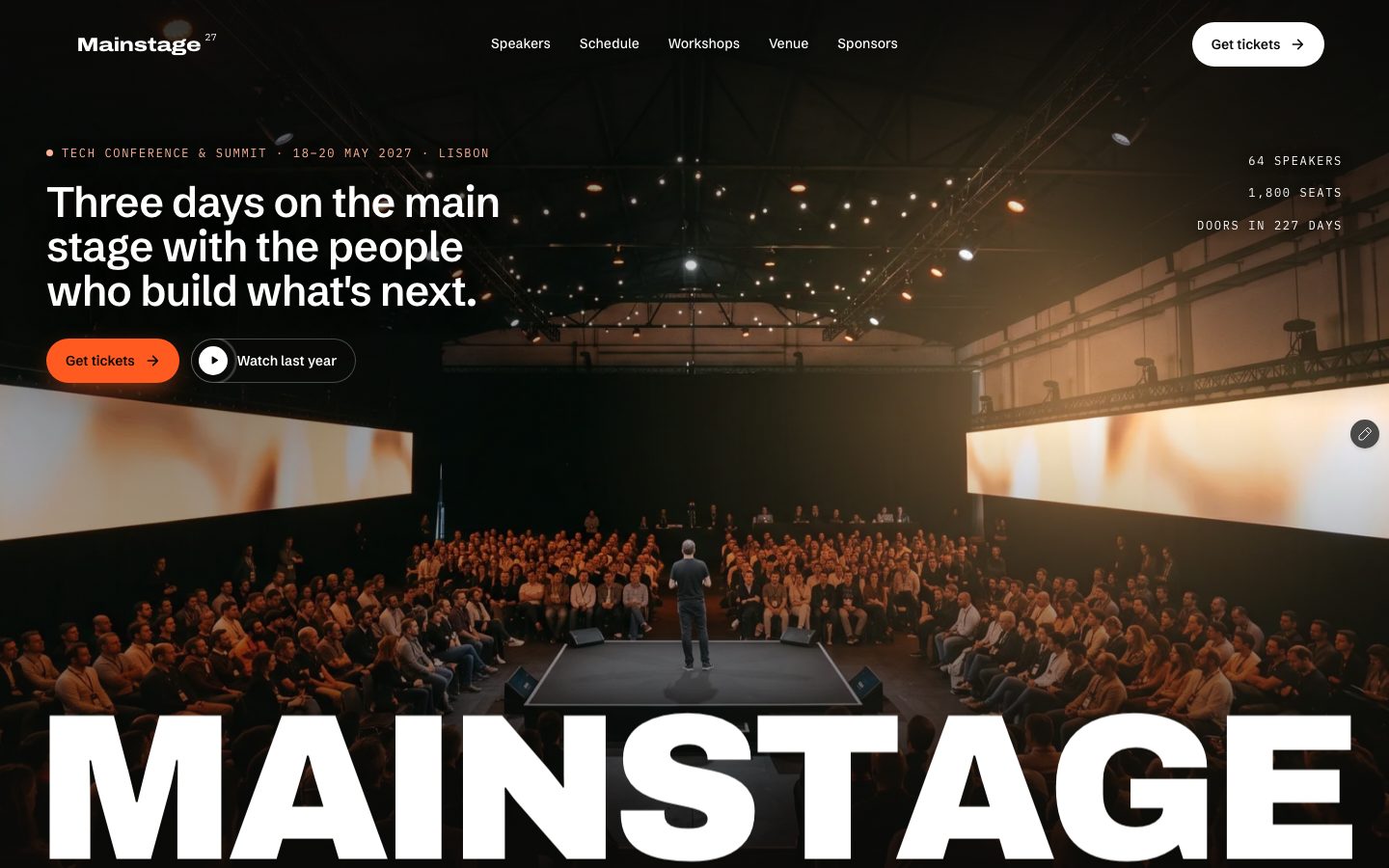
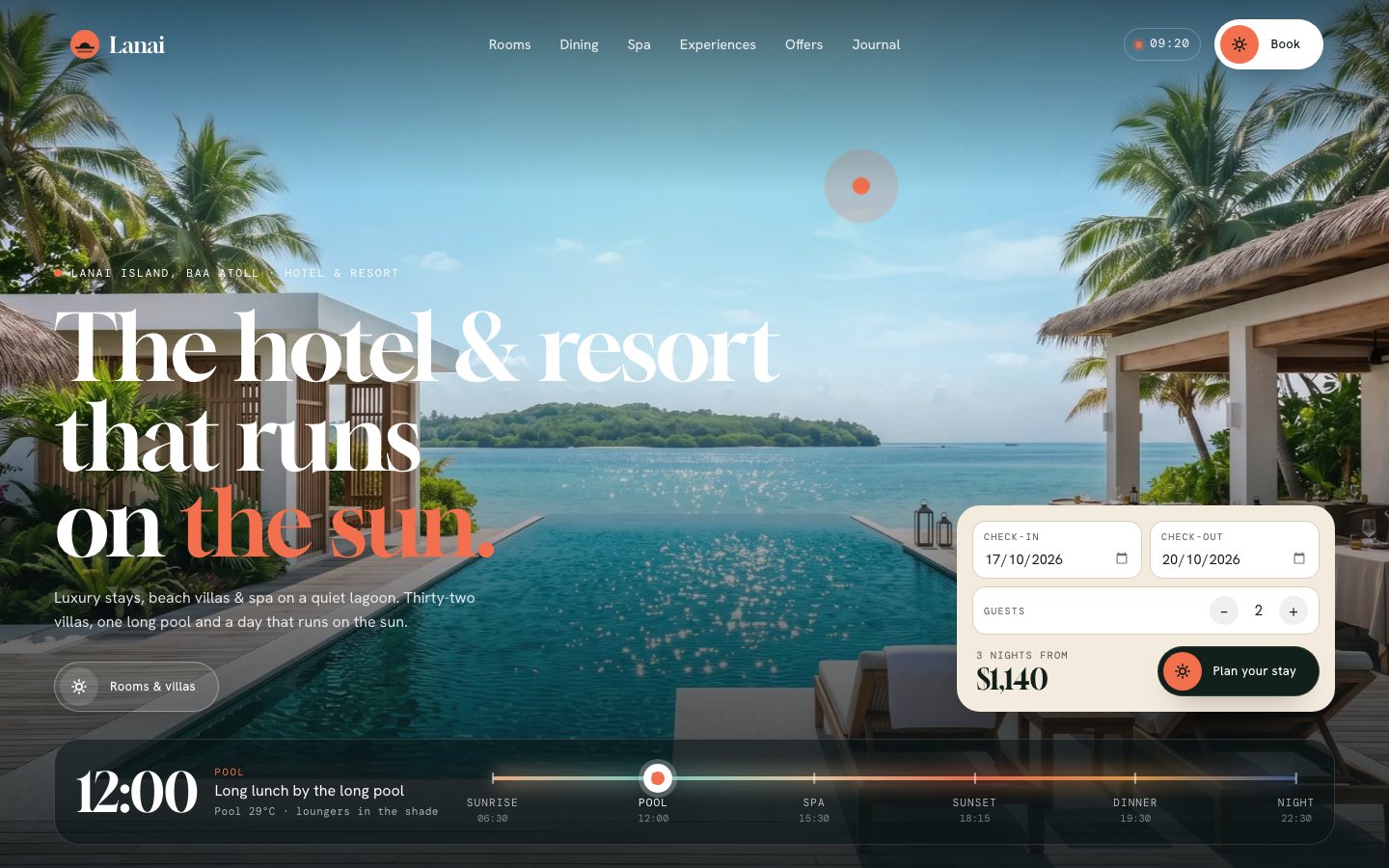
Kinema — the AI image & video generator Framer template
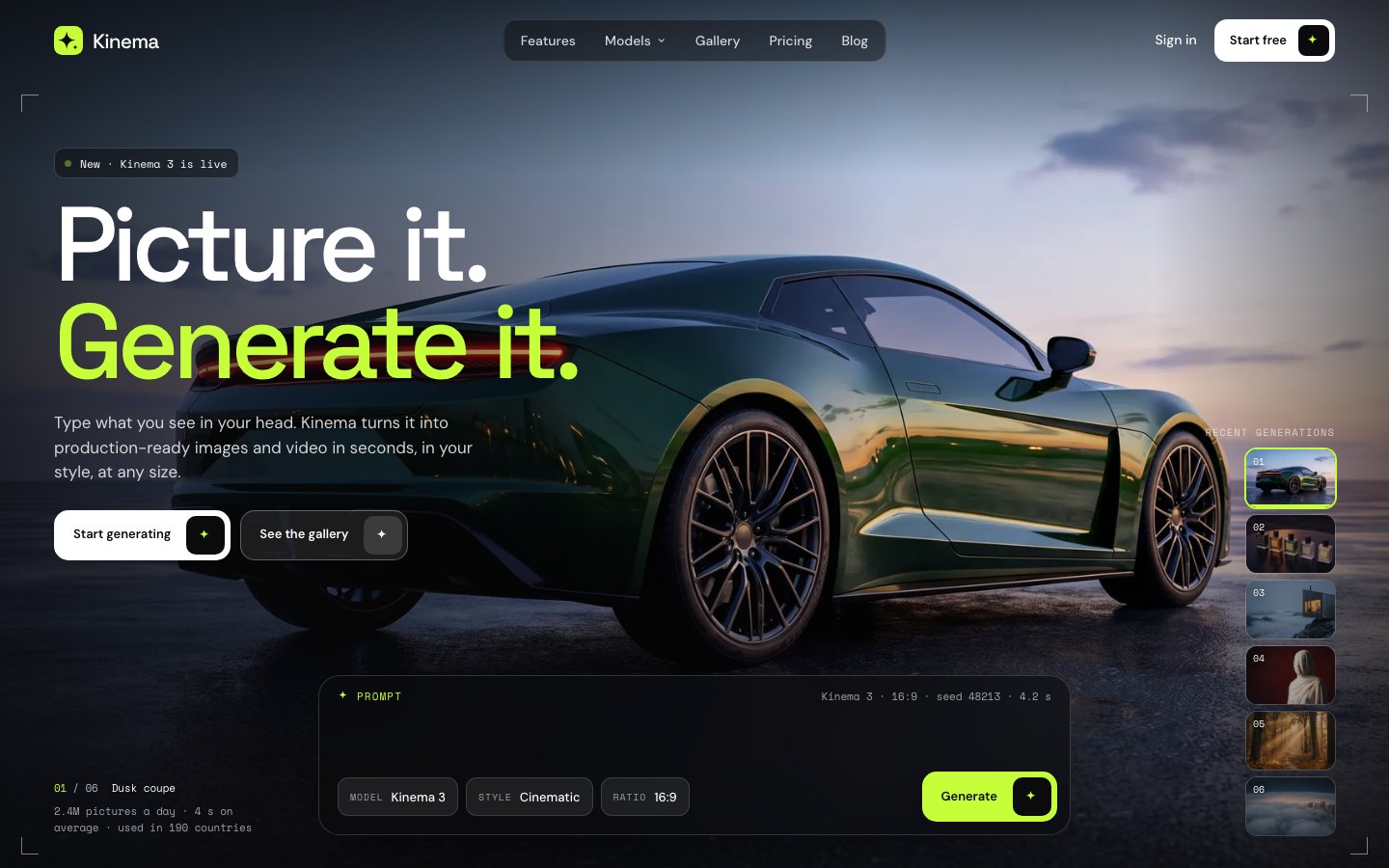
The AI image and video generator template with a hero that generates. A resolve loader, then a full-screen generated picture with a working prompt bar: press Generate and the next picture resolves out of noise with its model, ratio and seed — then a gallery wall that shows every prompt, four tools in one pinned demo (text to image, a video timeline, a brush edit, an upscale slider), one picture in six styles, model spec cards, use cases, an API demo that streams its response, pricing with a credit calculator and a prompt box that carries the visitor's prompt into signup. 52 pages, 10 CMS collections.
What Kinema is
A website for an AI image generator, an AI video tool or any AI product with visual output. It opens on a full-screen generated picture with a working prompt bar: press Generate and the next picture resolves out of noise, with the model, ratio and seed underneath.
What's inside Kinema
Signature moments
- A hero that generates
A prompt types itself, you press Generate and the next picture resolves out of noise with its seed and step count.
- A gallery with every prompt
Each picture shows the prompt behind it and a Copy prompt key; every picture has its own page.
- Four tools you can touch
Text to image, a video timeline you scrub, a brush edit and a before and after upscale slider in one pinned demo.
- One picture, six styles
Style presets and a strength slider regrade the same picture, so it works with your own images.
Built to convert
- Pricing with a credit calculator
A monthly and yearly switch, three plans and a slider that shows which plan fits.
- An API demo that runs
Code tabs on the left, a streamed response and the returned picture on the right.
- Customers with what they made
Review cards show the picture the customer made and the result they got.
- Links that carry the intent
Plan, model and prompt are passed to your signup link from every button.
Made to edit
- Pictures, models and plans in the CMS
Add a picture to Outputs and it joins the hero, the gallery and gets its own page.
- Eight colour styles
Change the lime in one place and the whole site follows.
- Loader and page transition
The wordmark resolves out of noise on the first visit; a pixel cover carries you between pages.
- An owner guide inside
A /start-here page walks through the Site row, colours, fonts, the hero pictures and the forms.
Every page, ready to go
19 page types come with the remix, each with its own desktop, tablet and phone layout.
Who Kinema is built for
A AI image & video generator website template built for AI image generators, AI video generators, AI photo and avatar tools, creative AI startups and any business that sells the way they do.
From remix to live
Pick a licence, pay once, and the remix link lands in your inbox.
Open the Start Here page inside the project: it lists every edit — words, colours, fonts, images, CMS rows — no code.
Add your domain in Site Settings and hit Publish. Email support from the person who built it if you get stuck.
Always included
- A Start Here page inside the project — every edit this template needs, listed
- Edit without code — colours, fonts, text and images from the properties panel and the CMS
- Free lifetime updates
- Email support: solofoundryhq@gmail.com
Pick a licence
Want it set up for you? We fit Kinema to your brand, colours, words and photos and hand you the finished site. From $79, template included.
See setup packages →Questions, answered
Do I need to know how to code to use Kinema?
No. Kinema is a Framer template: every word, colour, font and image is edited on the Framer canvas or in the properties panel and the CMS. A Start Here page inside the project lists every edit a AI image & video generator site needs.
Do I need a paid Framer plan?
Not to remix and edit — a free Framer account is enough. To publish on your own domain you'll need a Framer site plan, paid to Framer, not to us.
What do I get after paying?
The remix link by email, instantly. One click copies the whole Kinema project — 19 page types, every section and CMS collection you see on the live preview — into your Framer account. Pro and All-Access orders also receive the SoloFoundry bonus kit.
Can I use Kinema for client work?
Standard covers one website. Pro and All-Access cover unlimited websites, including client projects. Reselling the template itself isn't allowed.
Is Kinema responsive?
Yes. Kinema ships with its own desktop, tablet and phone layouts, a real mobile menu, and it is checked down to 320 px wide before it is listed.
Can I get a refund?
All sales are final, because the full project is delivered the moment you pay. Explore the live preview first, and email solofoundryhq@gmail.com with any question before you buy.