Afterword — the writer’s journal & newsletter Framer template
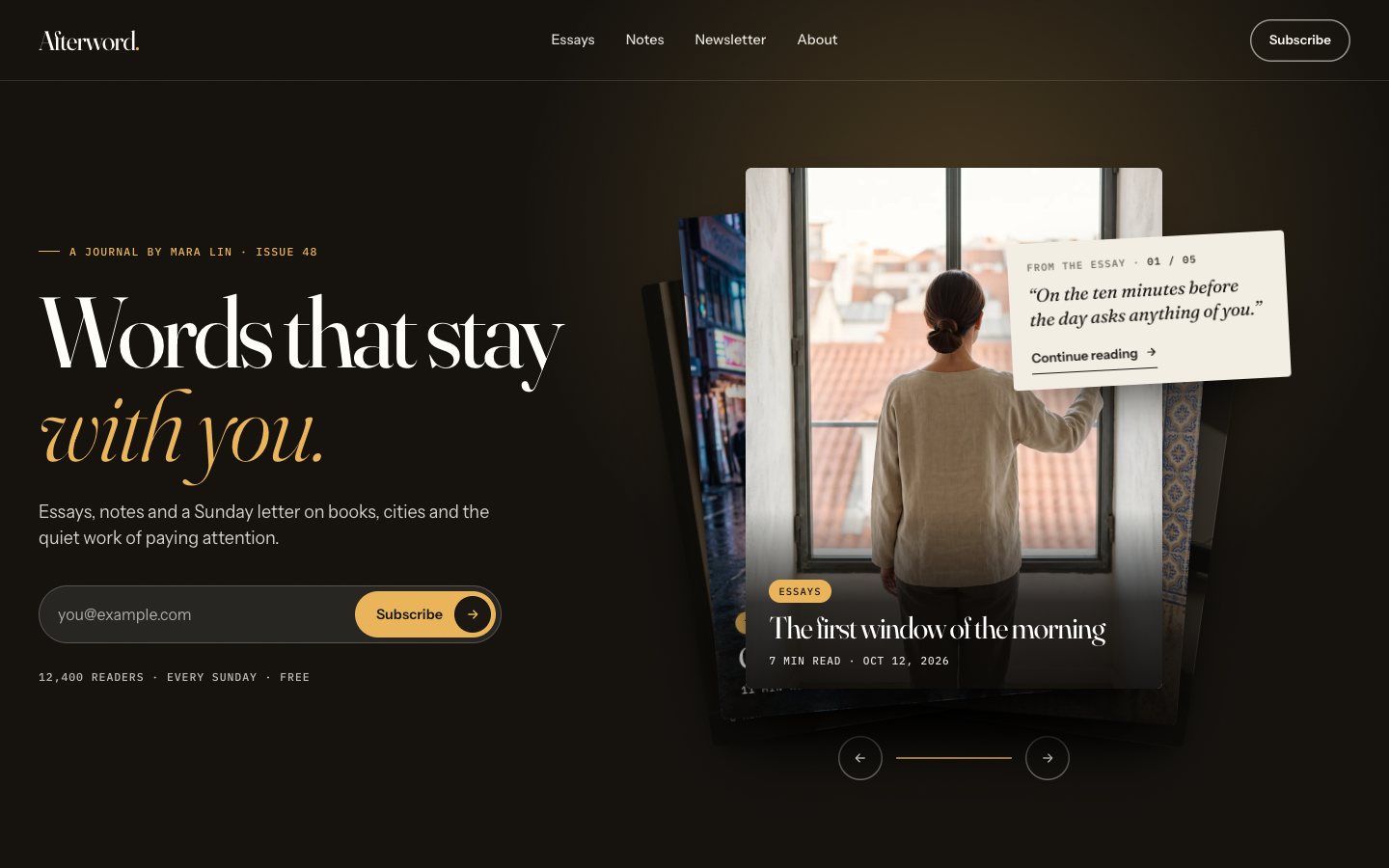
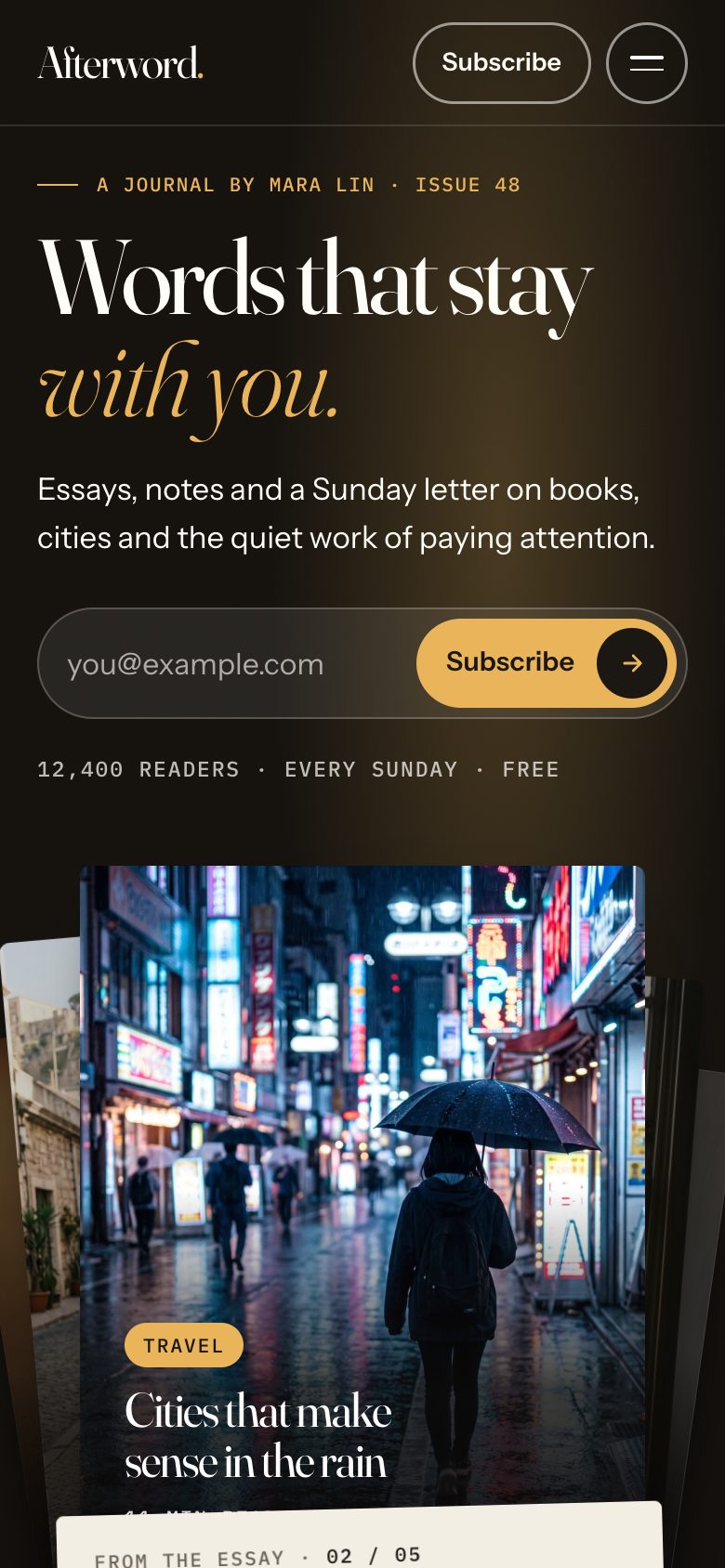
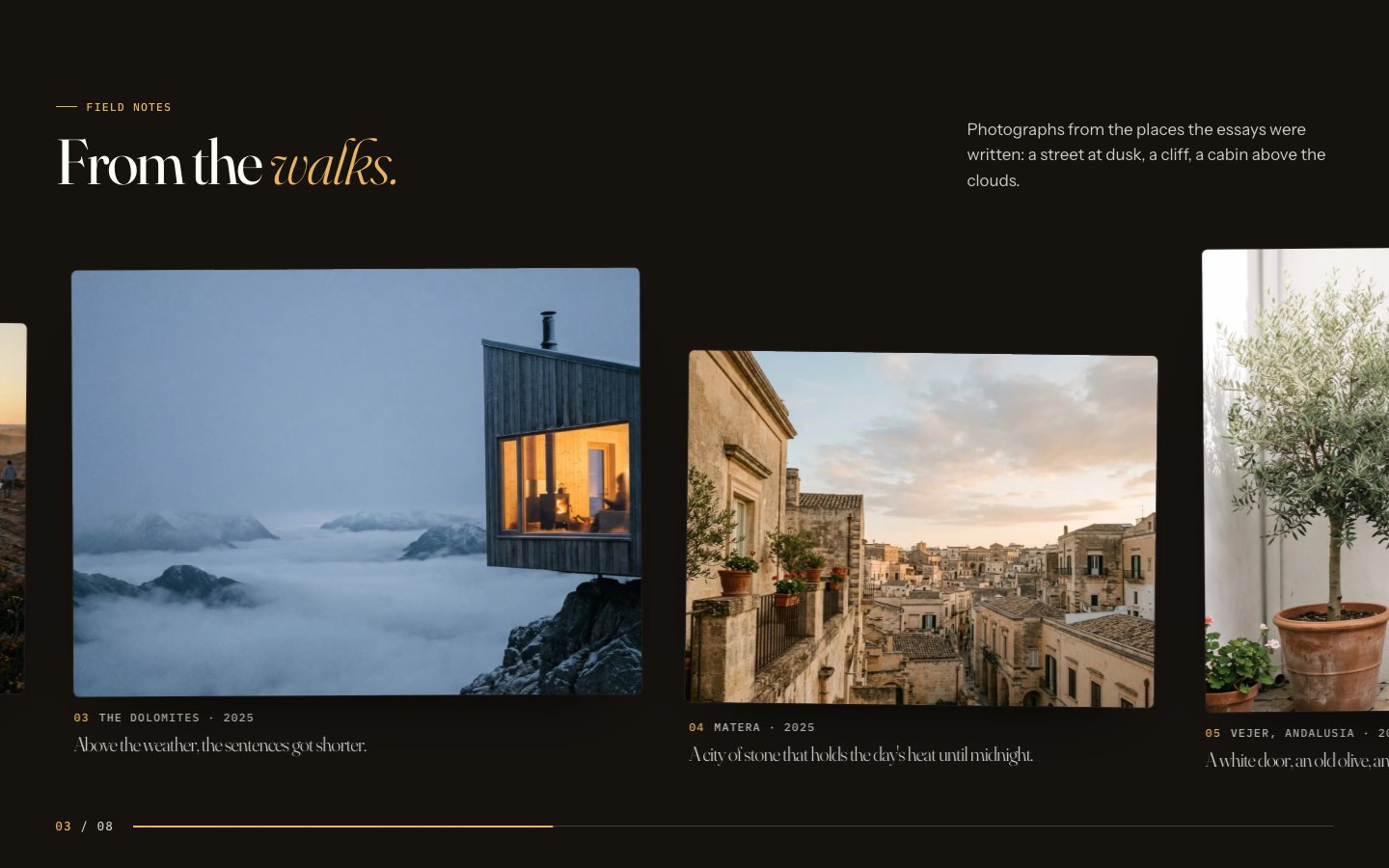
The writer's blog and newsletter template, dark and photo-led. The hero is a fanned stack of essay covers: drag or swipe the top one away, press Next or leave it, and the next story comes up with its first line on a paper slip beside a real subscribe field. Then a moving row of topics, essays that pin as you scroll, the writer with a drawn signature, a sideways gallery of travel photographs, a paper envelope that opens to the Sunday letter, notes on a rail you drag, a bookshelf, reader letters to swipe and an FAQ — plus a journal with topic filters, a page for every essay, topics, a notes wall, a newsletter archive, about, subscribe and contact. 20 pages, 8 CMS collections, free.
What Afterword is
A dark, photo-led journal for a writer: the hero is a stack of essay covers you drag, swipe or turn, essays pin as you scroll, and a paper envelope opens to the Sunday letter. Notes, a bookshelf, travel photographs and reader letters, all from the CMS.
What's inside Afterword
Signature moments
- A hero stack of essays
Five covers lie fanned out; drag or swipe the top one away, press Next or wait, and the next story comes up with its first line.
- Essays that pin as you scroll
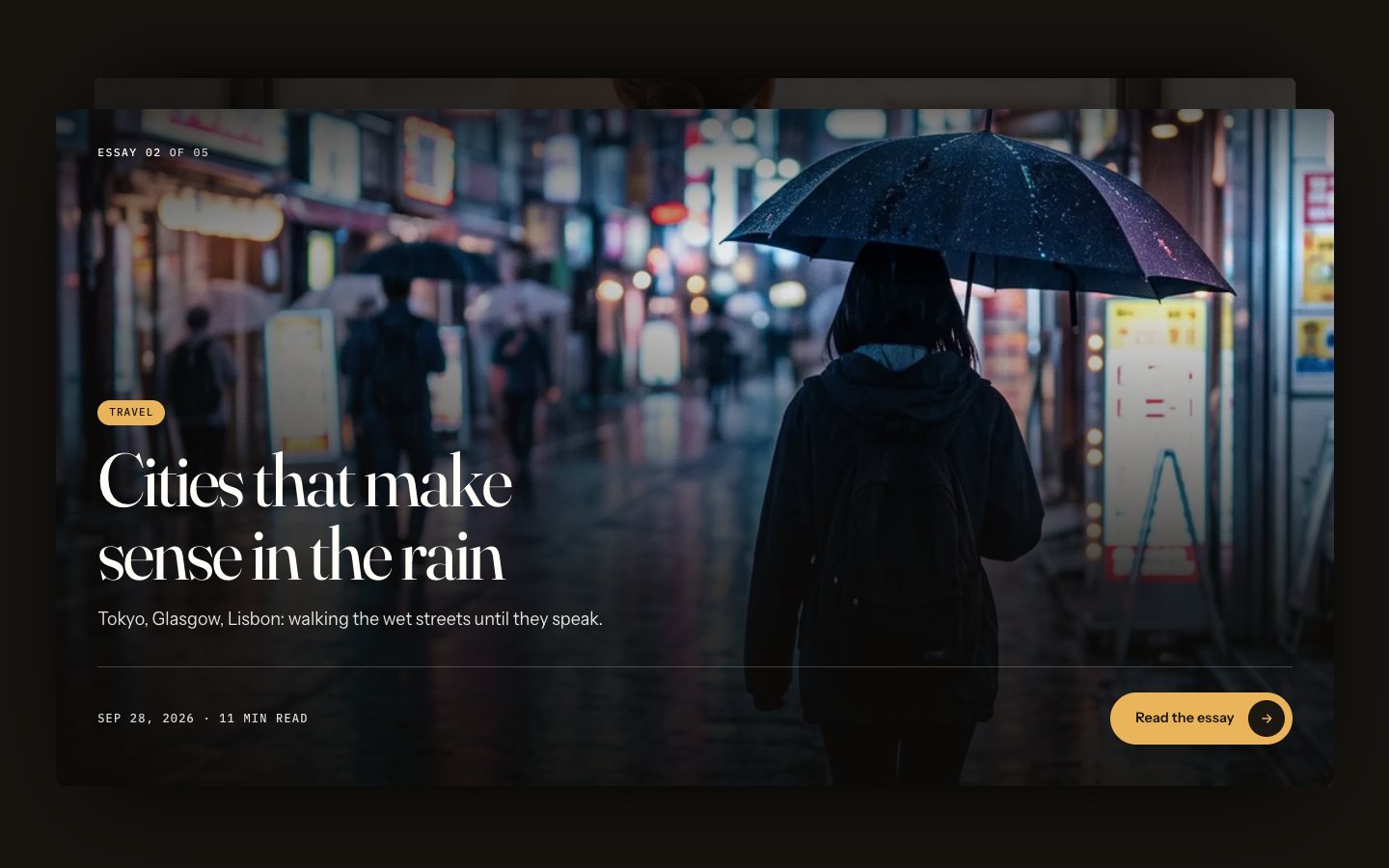
Full-width cover cards settle one over another, each with its topic, date and read time.
- The Sunday letter
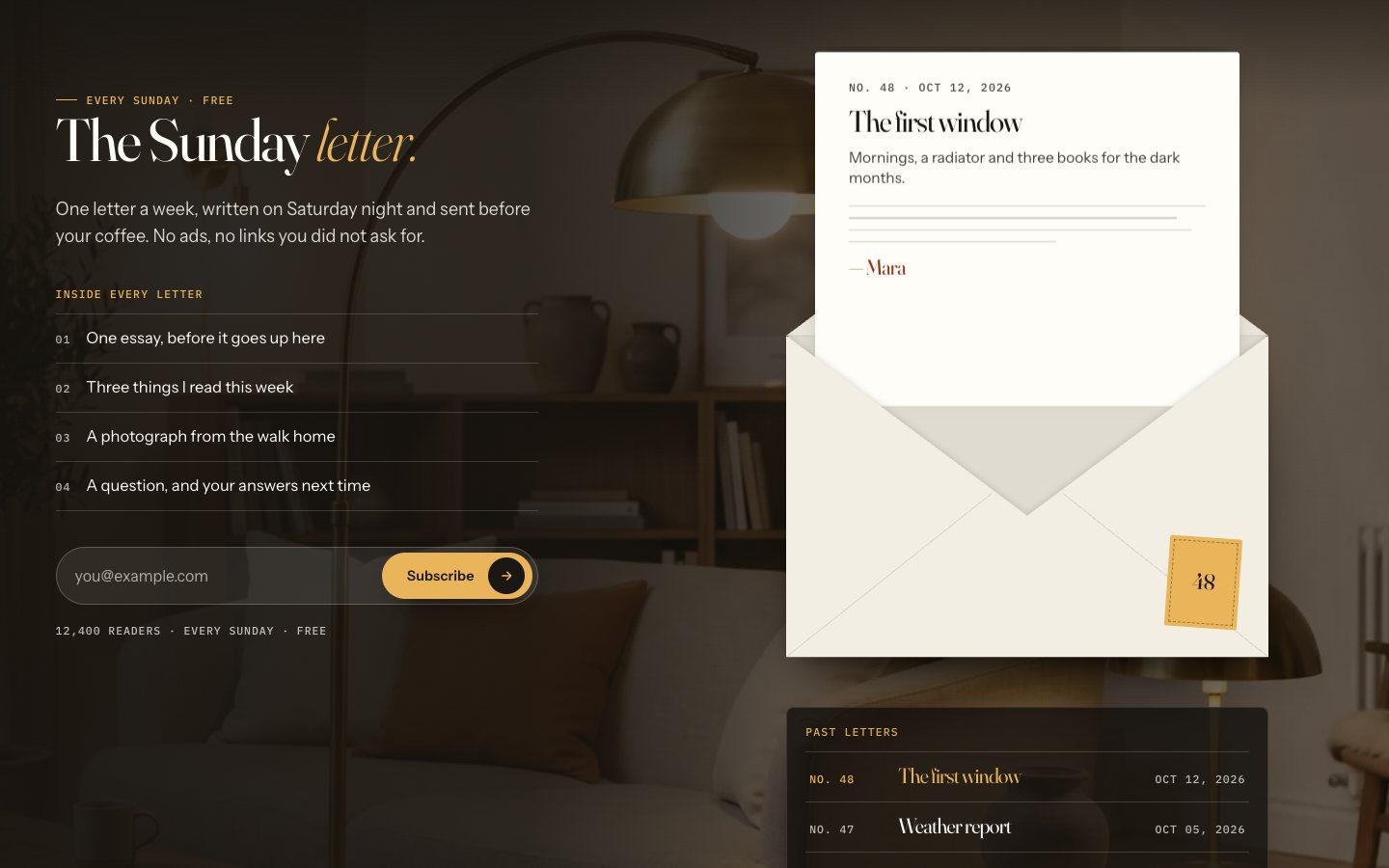
A paper envelope opens on a lit desk; pick a past issue and the letter inside swaps.
- A shelf of what I’m reading
Five books stand as spines; pick one and it slides up while a note card shows its status and a line about it.
Built for writing
- Topics that move
A slow row of topics with essay counts; each one links to the journal filtered by it.
- About the writer
A portrait that swaps on hover, words that fill in as you scroll, a drawn signature and count-up numbers.
- Reader letters to swipe
Six reader letters as a deck: drag the front card away or use the arrows.
- Notes on a rail
Short notes pinned as paper slips on a rail you can drag, plus a notes wall with place filters.
Content & care
- Eight CMS collections
Site, Essays, Topics, Notes, Books, Issues, Readers and FAQ; every essay and letter is a row.
- A journal with filters
Every essay with topic filters that stay in the flow, and its own long-form page.
- A newsletter archive
Past issues of the Sunday letter, reader quotes and an FAQ on the newsletter page.
- Loader, transitions, phone menu
A short loader where the first page writes itself, a page transition, smooth scroll and a full-screen phone menu.
Every page, ready to go
11 page types come with the remix, each with its own desktop, tablet and phone layout.
Who Afterword is built for
A writer’s journal & newsletter website template built for writers, authors, bloggers, newsletters and any business that sells the way they do.
From remix to live
Click Remix and the whole project copies into your Framer account.
Open the Start Here page inside the project: it lists every edit — words, colours, fonts, images, CMS rows — no code.
Add your domain in Site Settings and hit Publish. Email support from the person who built it if you get stuck.
Always included
- A Start Here page inside the project — every edit this template needs, listed
- Edit without code — colours, fonts, text and images from the properties panel and the CMS
- Free lifetime updates
- Email support: solofoundryhq@gmail.com
Get it
Want it set up for you? We fit Afterword to your brand, colours, words and photos and hand you the finished site. From $79, template included.
See setup packages →Questions, answered
Do I need to know how to code to use Afterword?
No. Afterword is a Framer template: every word, colour, font and image is edited on the Framer canvas or in the properties panel and the CMS. A Start Here page inside the project lists every edit a writer’s journal & newsletter site needs.
Do I need a paid Framer plan?
Not to remix and edit — a free Framer account is enough. To publish on your own domain you'll need a Framer site plan, paid to Framer, not to us.
What do I get?
The plain remix link: one click copies the whole Afterword project into your Framer account. No email, no sign-up with us.
Can I use Afterword for client work?
Yes — the free licence covers your own site or a client's. Reselling the template itself isn't allowed.
Is Afterword responsive?
Yes. Afterword ships with its own desktop, tablet and phone layouts, a real mobile menu, and it is checked down to 320 px wide before it is listed.
Can I get a refund?
It's free — remix it and try it. If you want more, All-Access is $199 once for every template we've made and every one we'll make.